
Saving money in 2026 doesn’t need a spreadsheet and a bucket load of willpower. A good money saving app can automate transfers, round up spare change, or simply keep your spending honest — so your bank balance grows without you thinking about it every day. Below is an updated list of the best money-saving apps of 2026, covering budgeting, spare-change investing, and habit-building.
All you need to get started is a bank account, a smartphone, and about ten minutes to link everything up. Most of these apps request read-only access through a secure connector like Plaid, so it’s worth reviewing each app’s data policy before signing up.
Comparison Table at a glance:
App | Starting Price | Ideal For |
Cleo | Free (paid from $5.99/mo) | Conversational, AI-guided budgeting |
Money Manager | Free | Manual tracking without linking a bank |
Acorns | $3/mo | Beginners investing spare change |
YNAB | $109/yr ($14.99/mo) | Hands-on, zero-based budgeting |
Chime | Free | Automated round-ups and early pay |
Qapital | $3–$12/mo | Visual, rule-based savings goals |
Rocket Money | Free (premium ~$6–$12/mo) | Cutting unused subscriptions |
Goodbudget | Free (premium ~$10/mo) | Family budgeting with envelopes |
1. Cleo
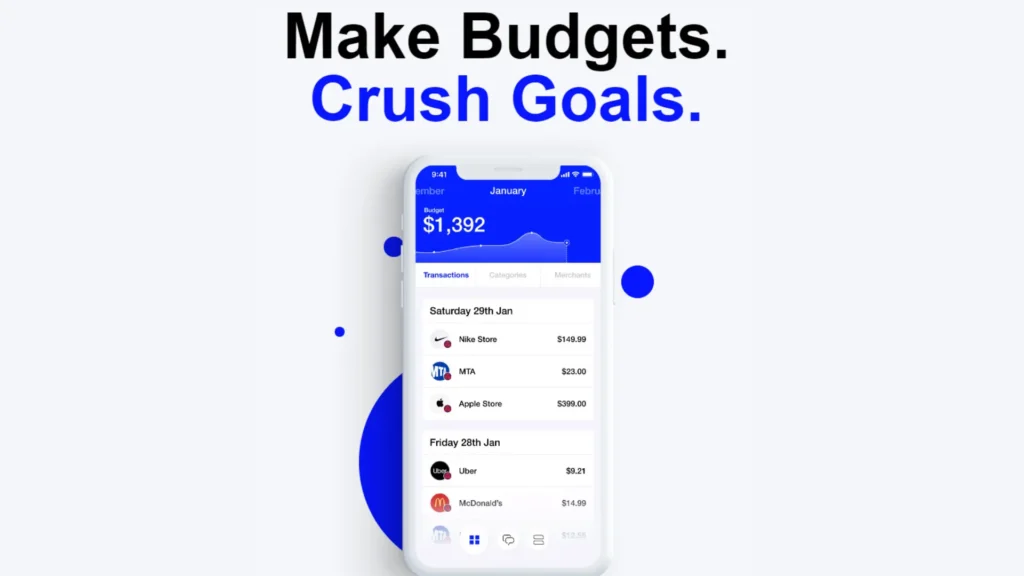
Cleo takes a chat-first approach to money management. Rather than opening a dashboard full of charts, you text Cleo like a friend, and it replies with spending breakdowns, budget nudges, and — if you’re into it — some good-natured ribbing about your latest takeout order.
The free tier handles basic budgeting and transaction categorization. From there, Cleo Plus ($5.99/month) adds cash advances and credit score tracking, Cleo Pro ($8.99/month) layers in a high-yield savings feature and deeper AI conversations, and Cleo Builder ($14.99/month) includes a secured credit-builder card that reports to all three credit bureaus. Among current budgeting apps, it’s one of the more approachable options for anyone who finds traditional trackers tedious.
2. Money Manager
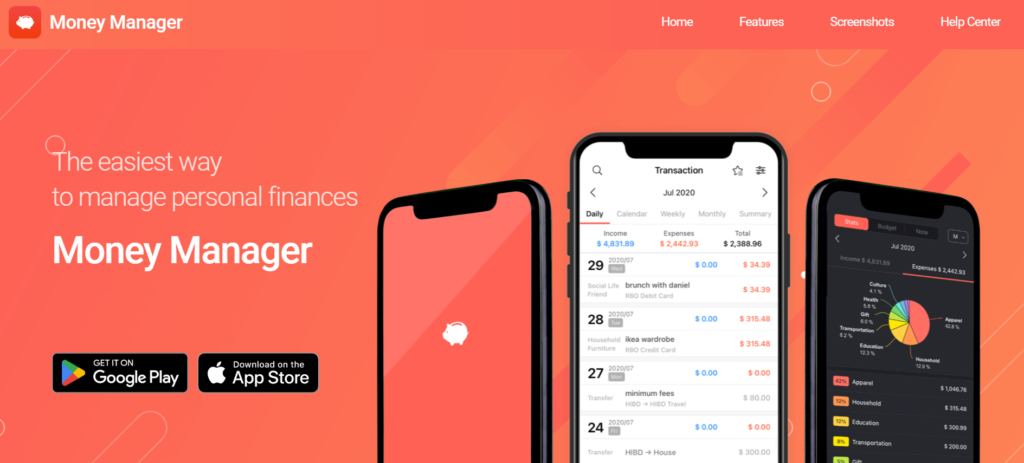
Money Manager strips things back to manual entry — no bank account linking required. You log each transaction yourself, sort it into categories you define, and get simple charts showing where the money actually went that month.
Skipping the bank sync makes it appealing to anyone wary of handing financial data to a third party, and it works fine offline. The catch is discipline: you have to remember to log every purchase, though for some people that friction is exactly what makes them think twice before spending.
3. Acorns
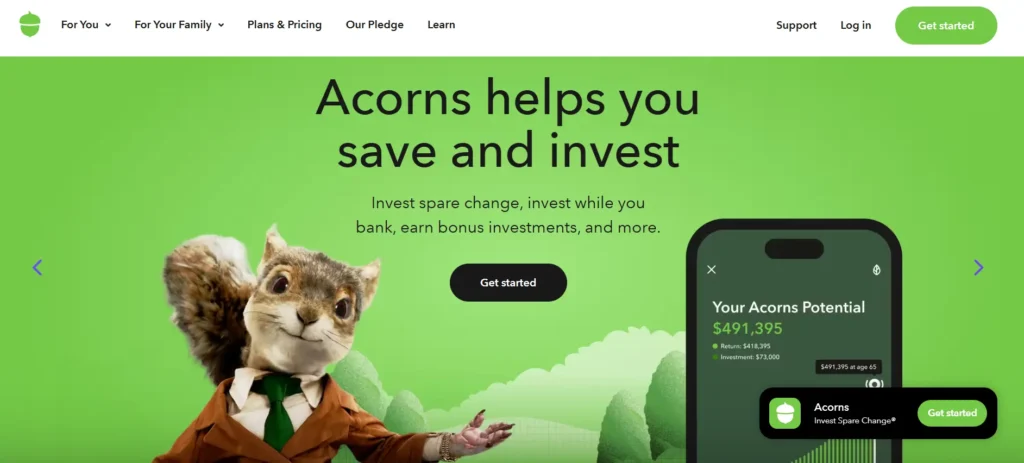
Acorns rounds up everyday purchases to the nearest dollar and invests the spare change into a diversified portfolio. It functions less like a savings app and more like a gentle on-ramp into investing for people who’ve never bought a stock or ETF.
Three tiers are available in 2026: Bronze at $3/month covers a core investment account and basic checking; Silver at $6/month adds an emergency savings account and IRA match; Gold at $12/month unlocks custom portfolios, a larger retirement match, and family accounts. There’s no free plan, so it’s worth weighing the flat monthly fee against your balance — a $200 account paying $3 a month adds up faster than it looks on paper.
4. YNAB (You Need a Budget)
YNAB runs on one core rule: give every dollar a job the moment it lands in your account. It asks more of you than most apps here, since you actively assign income to categories instead of watching a chart update passively.
Pricing sits at $14.99/month, or $109/year (about $9.08/month), with a 34-day free trial. The company has long reported that new users save an average of $600 in their first two months. It tends to attract people who’ve cycled through other budgeting apps and want something more structured this time.
5. Chime
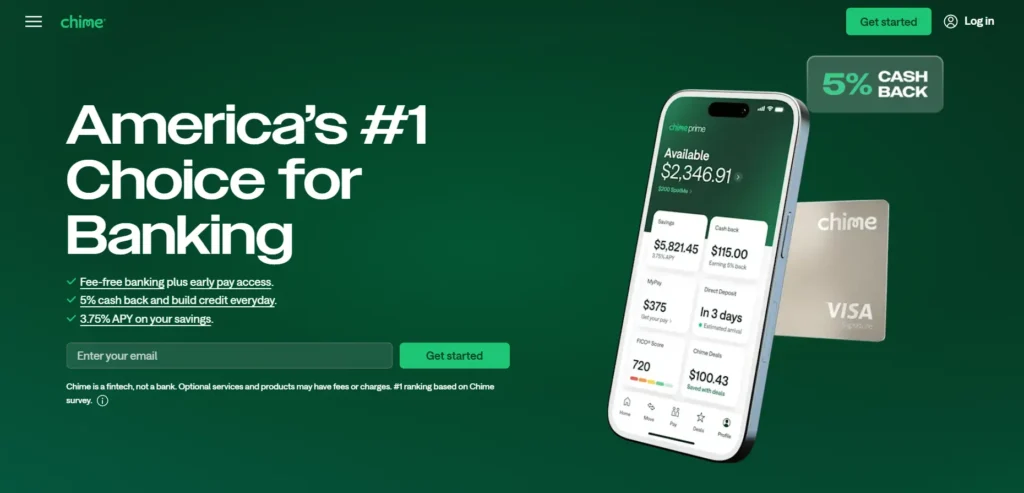
Chime is a digital banking app with savings baked into everyday use — automatic transfers on payday, round-ups on debit purchases, and early paycheck access with direct deposit. It isn’t a bank itself but partners with FDIC-insured institutions, so deposits are protected. It’s free, and arguably the simplest way to start saving passively without downloading a separate app on top of your existing bank.
6. Qapital
Qapital lets you build custom “savings rules” — say, moving $2 into savings every time you order takeout — and attach photos to savings goals to stay motivated visually. Plans run roughly $3 to $12 a month depending on whether you add a spending account or debit card, making it a good fit for people who respond better to a visual goal than a spreadsheet.
What sets Qapital apart from a plain round-up tool is how many trigger conditions it supports. You can link a rule to a fitness tracker, so hitting a step goal moves money into savings, or set a rule tied to the weather, so a sunny day nudges cash toward a vacation fund. Couples and roommates can also share specific goals while keeping the rest of their accounts separate, which sidesteps the usual awkwardness of joint budgeting apps that expect you to merge everything. The higher tiers add an FDIC-insured spending account with a debit card, so round-ups and rule-based transfers can happen automatically without shuffling money between two separate apps.
7. Rocket Money
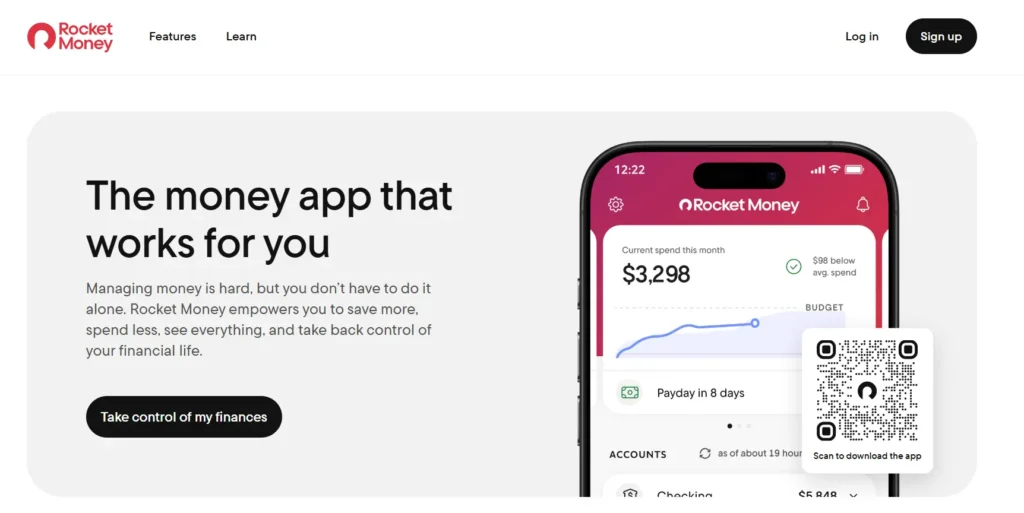
Rocket Money links your accounts to surface recurring subscriptions you’ve forgotten about, then offers to cancel or negotiate them on your behalf. The free tier covers tracking and alerts; the premium tier, around $6 to $12 a month, adds cancellation help and bill negotiation — useful if your biggest money leak is subscriptions rather than daily spending.
Beyond subscription cleanup, Rocket Money builds a fuller financial picture by pulling checking, credit card, and investment accounts into one view, so you can see net worth trends alongside day-to-day spending. The app also flags unusual charges and low-balance warnings before they turn into overdraft fees, which matters more for people juggling several accounts than for those with a single checking account. Its bill negotiation feature works by having a human team contact providers directly — internet, cable, and phone bills are the most common candidates — and Rocket Money typically keeps a percentage of whatever it saves, so it’s worth checking the fee structure before opting in.
8. Goodbudget
Goodbudget digitizes the classic envelope system, letting you split income across virtual envelopes for rent, groceries, and savings, then sync it across a household’s devices. The free version caps you at ten envelopes; around $10 a month removes that cap and adds multi-device sync — a natural fit for couples or families budgeting jointly.
The envelope method itself is older than any app on this list, and Goodbudget’s main contribution is making it easy to share between multiple people without a joint bank account or spreadsheet. Each household member can add expenses to a common envelope from their own phone, so groceries logged by one partner immediately show up for the other, cutting down on the usual back-and-forth about who spent what. Unlike bank-linked apps, Goodbudget doesn’t automatically pull in transactions, so every expense has to be entered by hand or imported from a bank statement — a deliberate trade-off that keeps categorization accurate but asks more of the user upfront.
How to Budget Money Easily
Apps help, but a simple system behind them makes the difference. A few habits make it easier to budget money easily without burning out on tracking:
- Automate first, think later. Set up automatic transfers to savings on payday, before you have a chance to spend it.
- Use one main app. Juggling five trackers usually means abandoning all five — pick one and give it a full month before judging it.
- Round up, don’t round down. Spare-change tools feel painless because the amounts are small, but they compound meaningfully over a year.
- Review weekly, not daily. Checking a budget every single day tends to create anxiety rather than progress; a five-minute weekly check-in is usually enough.
- Set a specific number. “Save more” isn’t a goal. “Save $200 a month toward an emergency fund” is something an app can actually help you hit.
FAQ
Q1. What app is best for saving money?
There’s no single best app for everyone — Cleo suits people who want AI-guided, conversational budgeting, Acorns suits beginners who want to invest spare change automatically, and YNAB suits people who want full, hands-on control over every dollar.
Q2. What is the best free money saving app?
Chime and Money Manager are both fully free — Chime automates round-ups and early paycheck access, while Money Manager offers manual, no-bank-link expense tracking.
Q3. How much should I have in savings?
According to most financial advisers, you should set aside an emergency fund that will be enough for your essential expenses over a period of three to six months before experimenting with other doors of savings.
Q4. Are money-saving apps safe to use?
Good applications can access your bank via encrypted, read-only interfaces such as Plaid and wouldn’t transfer any funds without your consent. But, it is still advisable to examine the data policy of each application before you authorize the connection of your account.
Q5. Do budgeting apps actually help you save more?
Records from users of budgeting apps such as YNAB show that steady budgeting can bring a significant increase of savings. Yet, the outcome depends largely on how regularly you make use of the tool rather than the app itself.

Best Budgeting Apps of 2026 — Free, Paid, and Worth Your Time
Looking for the best budgeting app in 2026? Compare top...
Read More
How to Start Budgeting: Top 10 Methods for Beginners in 2026
From the 50/30/20 rule to automating savings — these proven...
Read More
Earn ₹1000 Per Day in India: Real Ways to Make ₹1K Daily with AI
Stop guessing, start earning. Here are 10 verified ways to...
Read More
Best Gemstones for Financial Success According to Vedic Astrology
Discover the best gemstones for financial success in Vedic astrology,...
Read More


15 Best ChatGPT Alternatives in 2026: Free & Paid AI Tools
ChatGPT isn't the only AI worth using anymore. From Claude...
Read More
8 Best Money-Saving Apps of 2026
Which money-saving app suits you? Compare Cleo, Acorns, YNAB &...
Read More